Twitch ad blocker

Fewer Twitch interruptions.
Start with free mode.

Nodo tries to show the stream instead of the ad. Free mode uses a 360p alternative during breaks; Pro aims to keep the quality you selected.

Free at 360p, with no expiration. No account or card required.

Initial Pro: up to 7 days for eligible devices. See terms.

See installation options

Open this page in Chrome, Edge, Brave, Opera or Firefox on your computer. Choose the store for the browser you will use.

How it works

Optional Pro for US$ 2.99 a month, by card. Requires an account and subscription; may use 360p.

Already installed? See the first stepsTested 21 h ago on a real stream

In practice

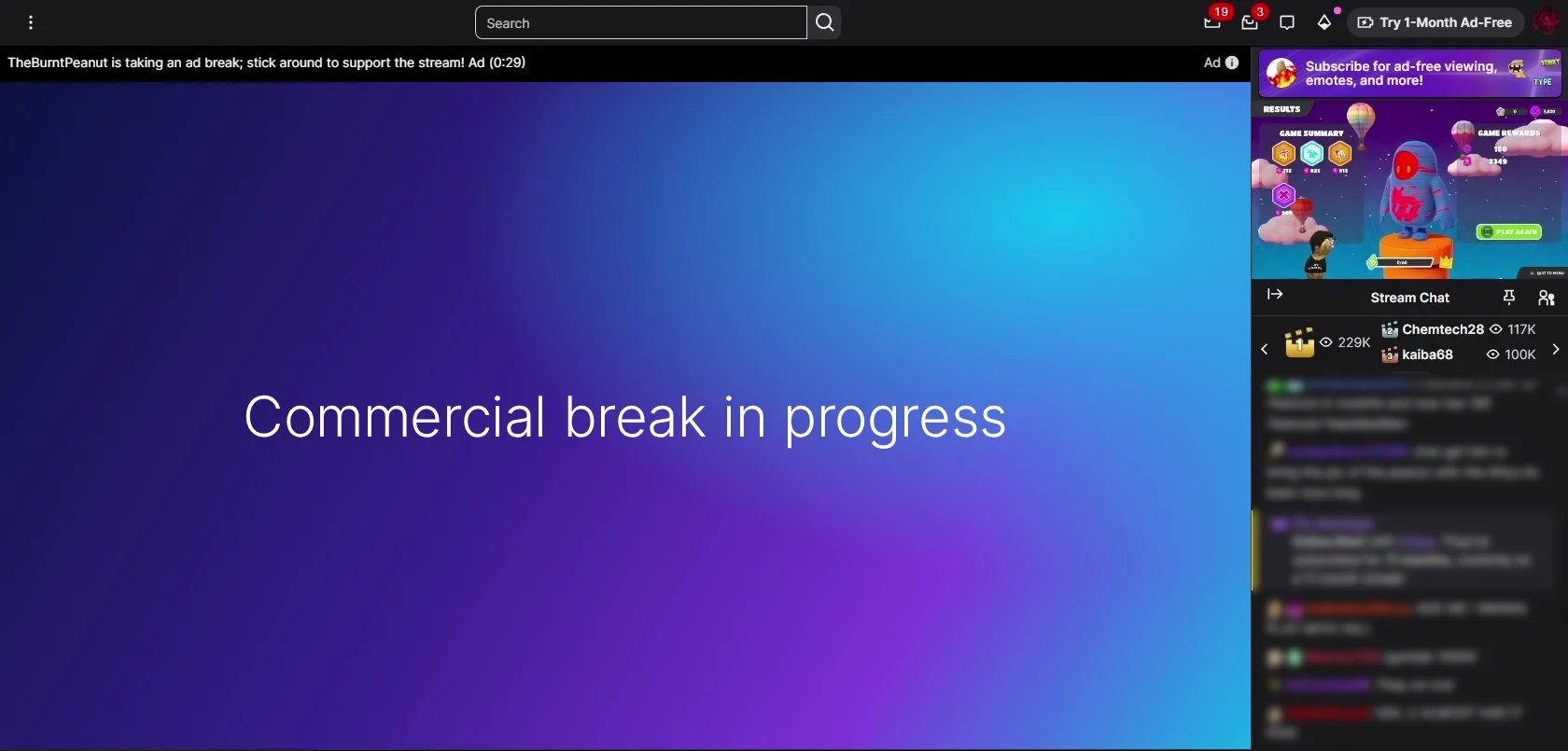
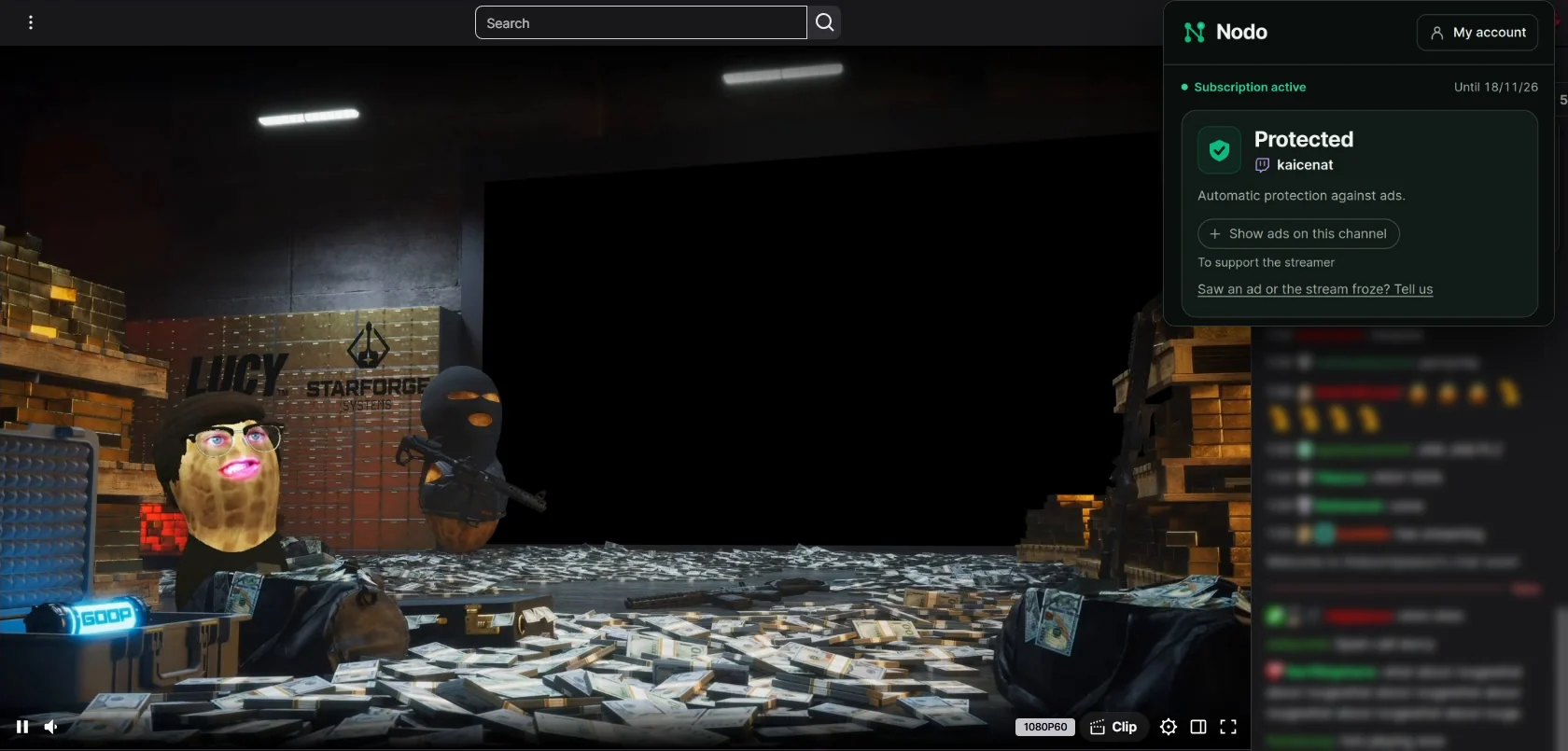
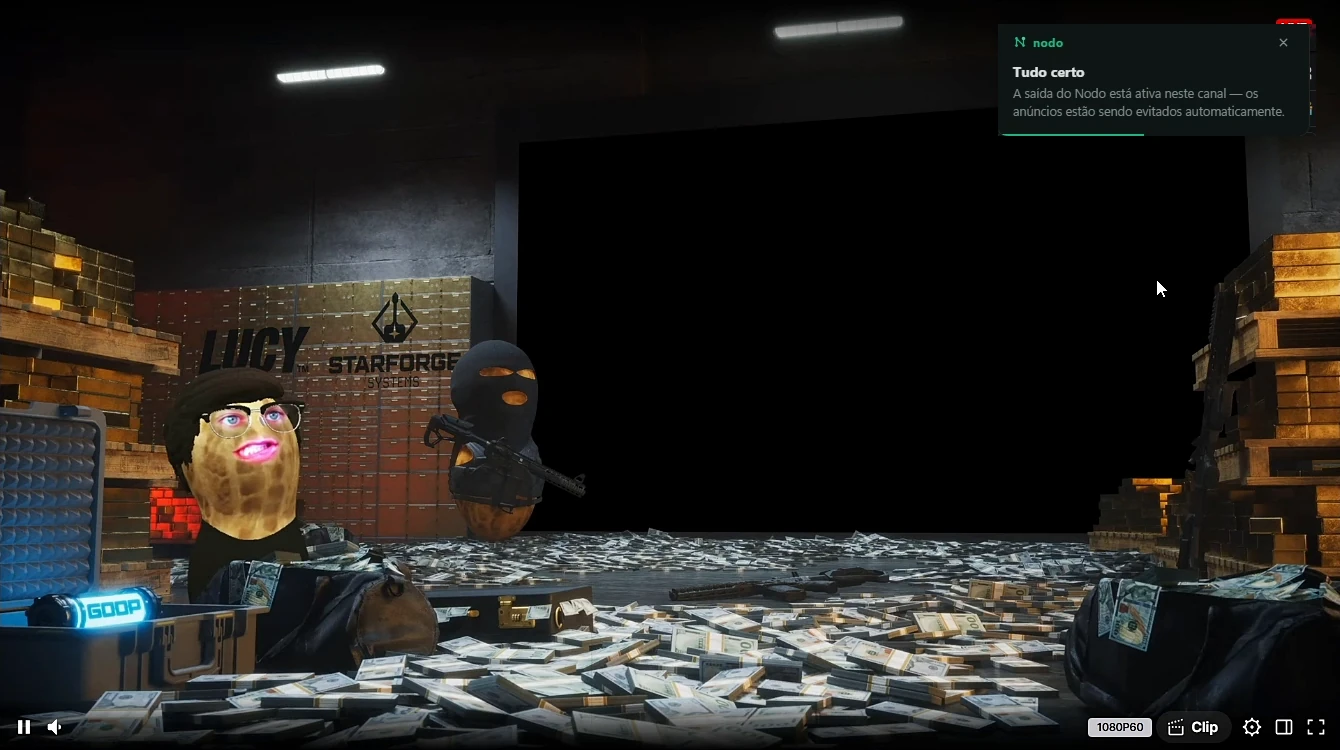
The same stream, with and without Nodo.

During a commercial break, Twitch may show an ad instead of the stream. The Nodo Pro screenshot shows one example of playback at the selected quality. Results can vary between breaks.

Twitch page during a commercial break: the "Commercial break in progress" screen instead of the stream

Real captures of the same Twitch stream. The break screen was recreated without the Twitch logo, and the chat was blurred.

The product

Free or Pro: what changes?

Compare duration, quality and account requirements. Initial Pro access of up to 7 days on the first installation is temporary and is not a paid subscription.

Free mode

No charge

Free at 360p, with no expiration. No account or card required.

  • No account or payment card required
  • A 360p alternative during commercial breaks
  • Returns to the selected quality when the break ends

Nodo Pro

US$ 2.99 a month

Account and subscription

  • Requires an account, subscription and sign-in in the extension
  • Aims to keep the selected quality, such as 1080p60
  • May fall back to 360p or let ads through

Initial Pro access: up to 7 days on the first installation on eligible devices, starting at the first connection, with no account or card.

Free mode and initial Pro access do not become a paid subscription automatically. Pro is charged only after you subscribe and authorize payment.

Ads and playback failures can occur in both modes. Screenshots show examples, not a guarantee for every break.

From our users

What people say about Nodo.

  • “This one actually works! Finally.”

    @hukuando

  • “Does the job of blocking Twitch ads, 10/10.”

    @maqzek

  • “Honestly, THE BEST Twitch ad blocker I've found.”

    @shila_avery

  • “Damn, you're the GOAT.”

    @johnnycolision

  • “I can confirm this is the right one! It has Twitch-specific support that stops the ads.”

    @rawool_

  • “It works on Twitch, that's why I downloaded it. 5 out of 5, one of the best blockers.”

    @rainman_689

Messages translated from Portuguese.

How it works

Install it and watch.

  1. 01

    Install the extension

    Add it from your browser's official store. No account or card needed.

    Install the extension
  2. 02

    Open a stream

    Free mode tries to replace the ad with a 360p alternative with no expiration. Ads and playback failures may occur.

    Open a stream
  3. 03

    Want to aim for higher quality? Try Pro

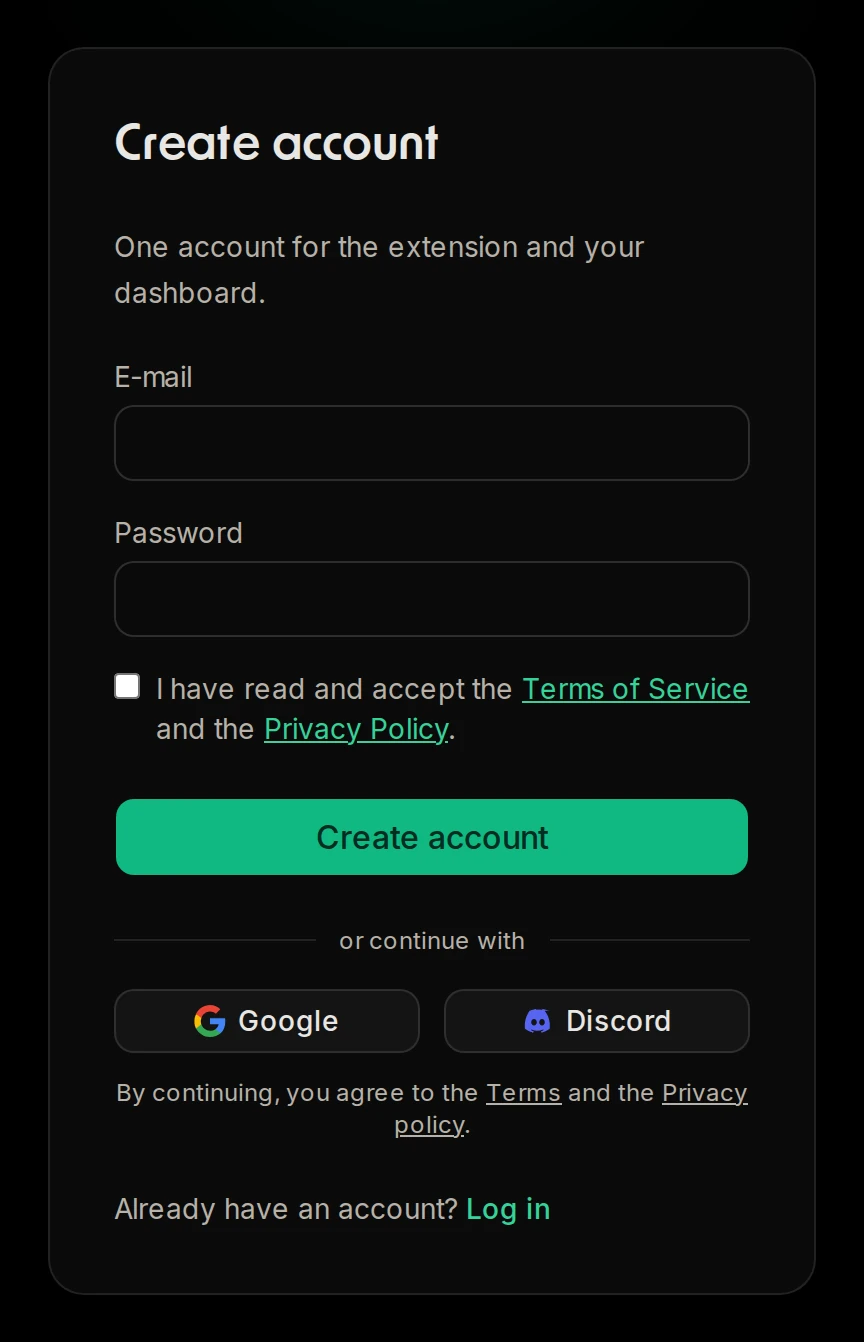
    Create an account, subscribe to Nodo Pro for US$ 2.99 a month and sign in from the extension. Pro aims to keep your chosen quality, but may use 360p or let ads through.

    Want to aim for higher quality? Try Pro

Free, no account needed

No account or card required with no expiration. Uses a 360p alternative during breaks when available.

Pro aims for higher quality

Looks for an alternative at the selected quality. May use 360p or show the ad if no alternative works.

Updates itself

We adjust Nodo when Twitch changes. The daily check uses a real stream with a simulated break and applies to the recorded scenario.

Your Twitch account stays yours

Nodo never asks for your Twitch login, e-mail or password.

Frequently asked questions

What is Nodo?

A desktop extension that aims to reduce ad interruptions on Twitch. It offers free mode with no expiration and optional Pro; see availability and limits above.

What's the difference between Free and Pro?

Free mode uses a 360p alternative during breaks, without an account, with no expiration. Pro requires an account and subscription and aims to keep your selected quality. It may also use 360p or let ads through; HD is not guaranteed for every break.

Does it work on every channel, every time?

There is no guarantee for every channel or break. Twitch changes and other extensions can affect results. The published daily check uses a simulated break on a real stream; it does not measure every natural ad.

Do you get access to my Twitch account?

We do not ask for your Twitch password. Free mode handles the break in your browser. On Pro, stream-control requests use Nodo’s network; video still comes from Twitch. See the security page for details.

How do I pay?

Free has no charge. Pro is US$ 2.99 a month, billed to your card and renewed every month until you cancel. Check charges and cancel from your dashboard.

Can I cancel anytime?

Yes. It's monthly with no commitment. When you cancel, access continues until the end of the period you've already paid for.

Which browsers are supported?

Chrome, Edge, Brave, Opera and Firefox, on desktop. Install it from the Chrome Web Store (Chrome, Edge, Brave and Opera) or from Firefox Add-ons.

Do I need to configure anything?

Install the extension and open a stream. Free mode needs no account with no expiration. For Pro, create an account, subscribe and sign in from the extension. Reinstalling does not restart the periods.

How long are free mode and initial Pro access currently available?

Free at 360p, with no expiration. No account or card required. Initial Pro access: up to 7 days on the first installation on eligible devices, starting at the first connection, with no account or card. Free mode and initial Pro access do not become a paid subscription automatically. Pro is charged only after you subscribe and authorize payment.

How to block Twitch ads · Twitch with no ads in HD · Twitch adblock not working?

Nodo Pro

US$ 2.99 a month

Billed to your card every month. No commitment; cancel renewal anytime.

In Brazil: R$ 7.90 every 30 days via Pix.

  • Aims to keep the selected quality during breaks
  • May use 360p or let ads through
  • Activate by signing in from the extension
  • Optional subscription
  • Cancel anytime from your dashboard
Get Pro

Card payments processed by Stripe. Nodo is responsible for the service and for support.